
Turn words into sound
Describe any sound effect, from a crackling campfire to a spaceship landing, and AI creates it in seconds.


Features
Everything you need to go from an idea to a finished sound effect.
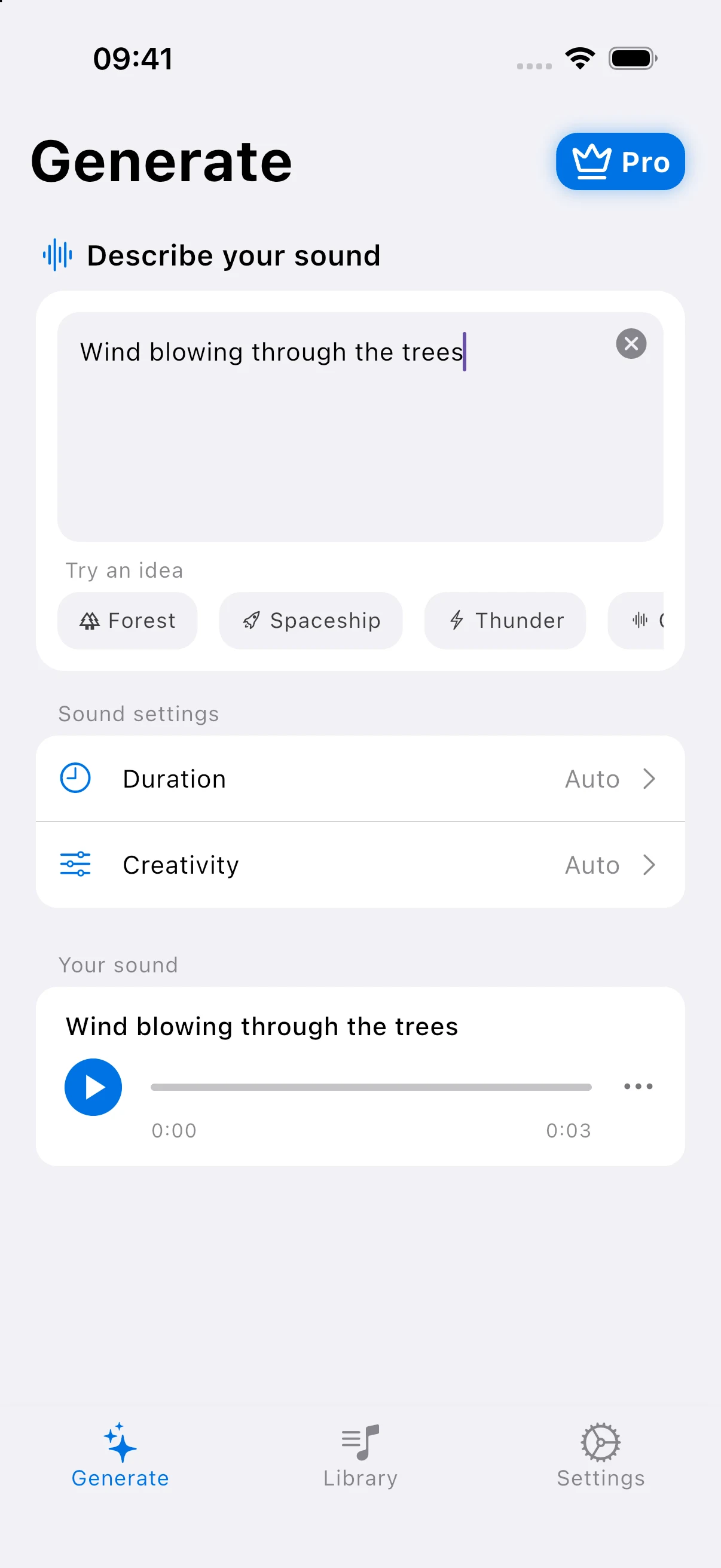
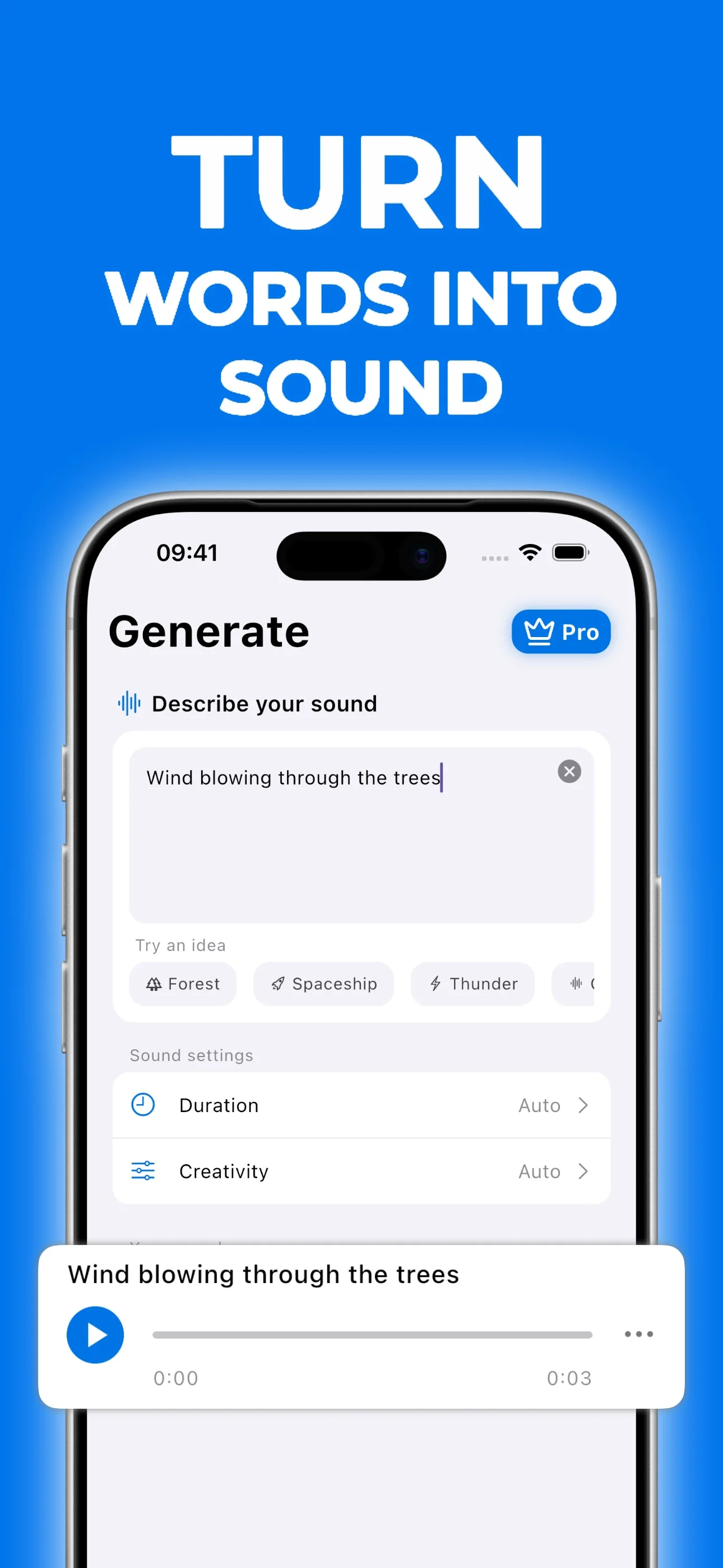
Text to sound
Describe a sound in plain words and AI generates an original effect, from real-world ambience to sci-fi tones.
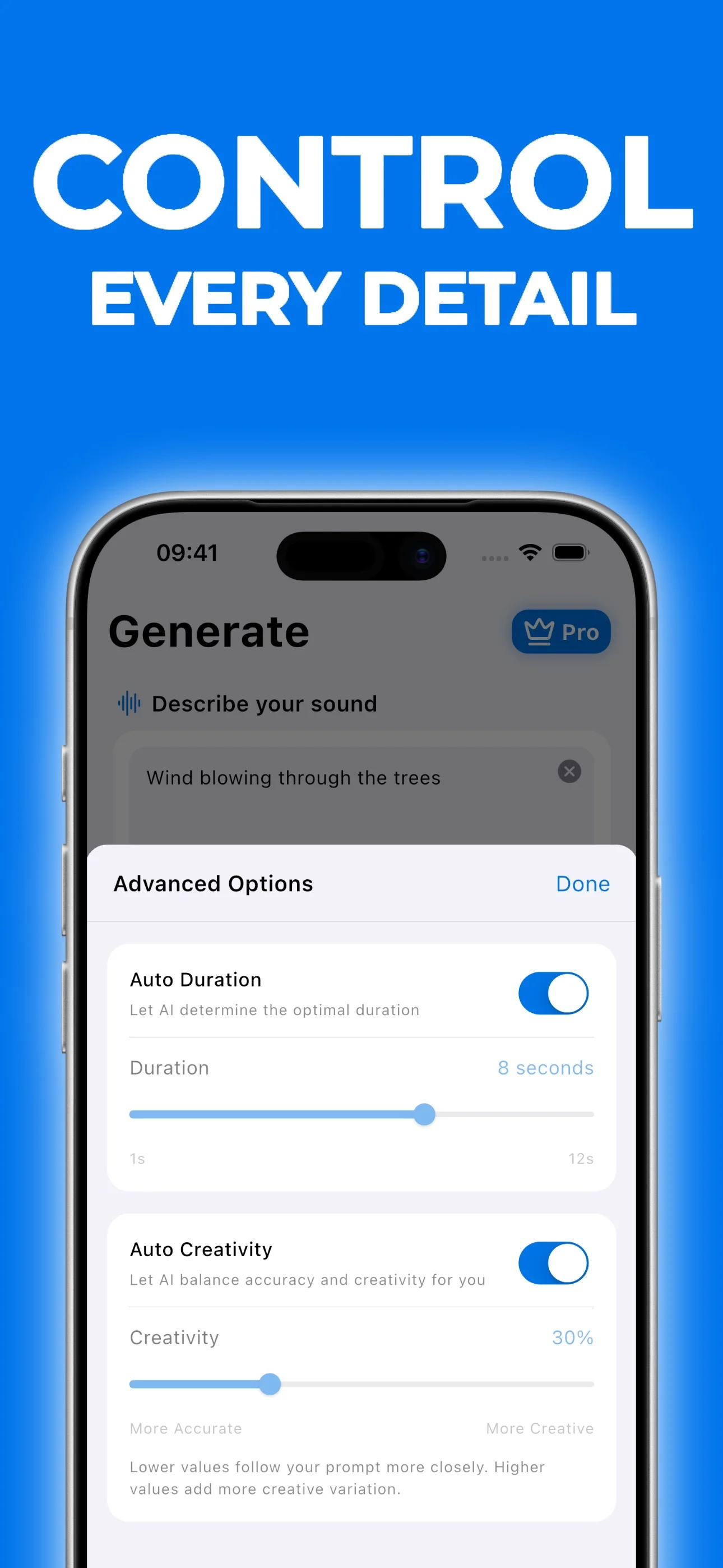
Duration and creativity
Pick a length from 1 to 12 seconds and choose how closely AI follows your prompt, or leave both on Auto.
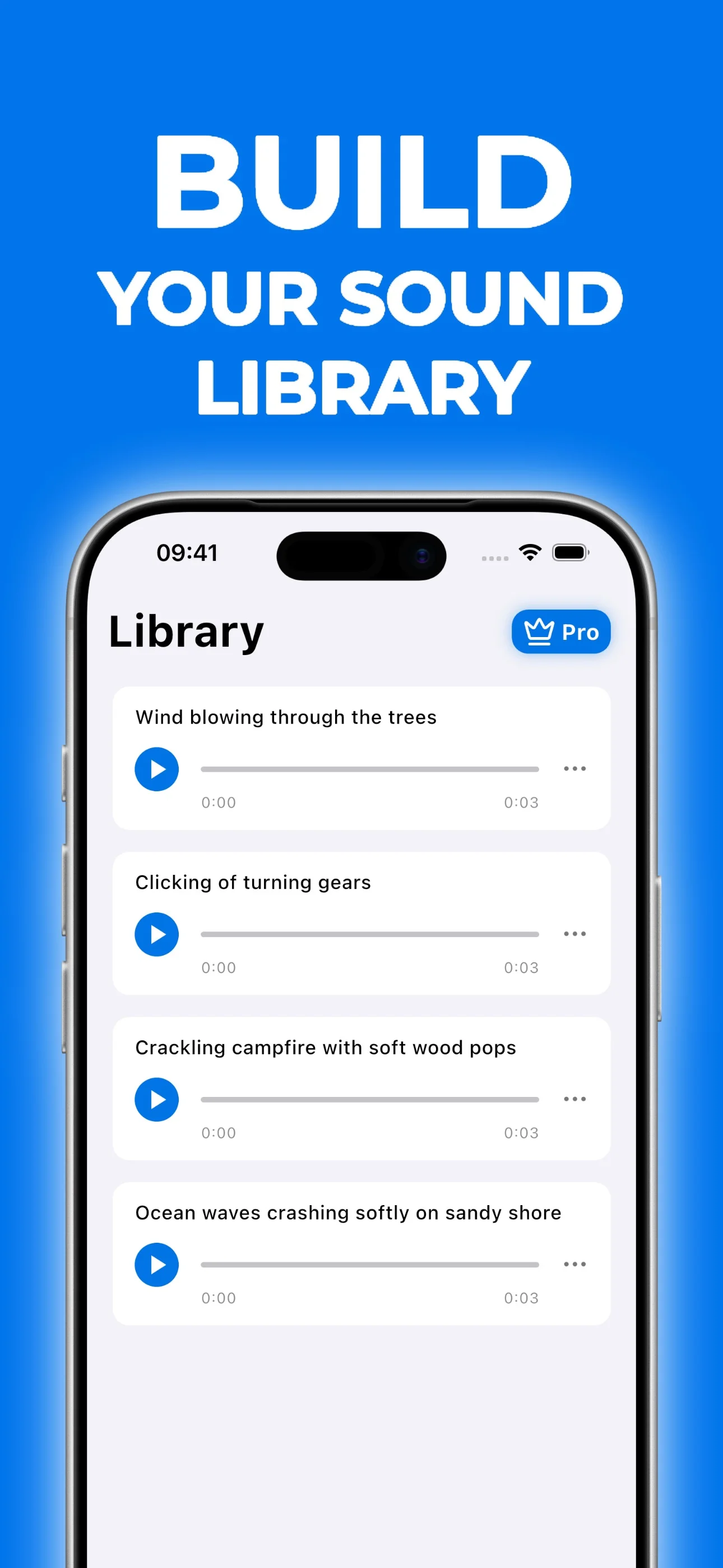
Your sound library
Every sound you create is saved to your library, ready to play again, download, or share.
How it works
Create a sound effect in three simple steps.
- Step 01
Describe your sound
Type what you want to hear in a few words, or start from an idea like Forest, Thunder, or Spaceship.
- Step 02
Fine-tune it
Keep Duration and Creativity on Auto, or set them yourself before you generate.
- Step 03
Play, save, and share
Listen right away, then keep it in your library, save it to your files, or share it.
Inside the app
Frequently asked questions
- What can I create with AI Sound Effects?
- Almost any sound you can describe: nature and weather, city and household sounds, game effects, sci-fi tones, and ambient soundscapes. Clear, specific descriptions give the best results.
- How does it work?
- Type a short description of the sound, such as “ocean waves crashing with distant seagulls”. AI generates a new sound effect from your prompt in seconds, and you can play it right away.
- How long can a sound effect be?
- Between 1 and 12 seconds. Leave Duration on Auto to let AI pick a length that fits your description.
- Can I download and share my sounds?
- Yes. Every sound is saved to your library in the app, and you can save it to your files or share it with others.
- Do I need a subscription?
- AI Sound Effects offers a free tier with limited credits. Pro subscriptions unlock unlimited sound effects and better sound quality.
- Is AI Sound Effects available on iOS and Android?
- Yes. Download AI Sound Effects from the App Store for iPhone and iPad, or from Google Play for Android.
Try AI Sound Effects for Free
Download AI Sound Effects free and create your first sound effect in seconds.